















GAME UI/UX DEVELOPER
I design interfaces players understand and enjoy using.

Bastian Pfaller
Game UI/UX Developer
24 years old
SAE Institute, Nuremberg
Games Programming Student
End of 4th semester
6 years IT industry experience
Focus: Game UI/UX
SELECTED WORK
Projects
Two projects that show how I combine thoughtful interface design with the technical systems behind it.
Mythos: Dawn Of Magic
6 Months
2 programmers
Unity · C#
PC
Overview
A fantasy RTS with resource management, base building and large unit control.
Responsibilities
Complete UI (HUD & Menus), enemy behavior, Fog of War mechanic, selected VFX, building behavior
Main challenge
Managing a complex RTS HUD as my first major UI project.
INTERACTIVE HUD BREAKDOWN
Explore the complete RTS interface
Select an interface element to see how it communicates information, supports player actions and adapts to the current gameplay context.
(Click on the elements to view it's details or cycle trough them directly in the details panel.)
HUD ELEMENT
Unit/Building/Resource Information
This section displays contextual information about the currently selected unit, building or resource in the world. Units show their current health as well as important combat and movement stats such as speed, damage and attack range. Buildings display their health and unique properties, while production buildings also show the current unit queue and its progress. Ressources show their current resource amount.

01 / 07
Quick Battlefield Navigation
Idle Workers
The idle-worker counter helps players quickly find workers without assigned tasks. Repeated clicks cycle through all available idle workers, making it easier to keep the economy active.
Minimap
The minimap provides a clear overview of units, buildings and activity across the battlefield. Clicking and holding on a location moves the camera there immediately.
Configurable Tooltip Builder
Highly customizable tooltips:
Fading
Hover / Dismiss delay
Transparency
Mouse follow
Anchored placement
Visual override
World-Space Health Bars
Because Unity UI Toolkit did not yet support the required world-space UI workflow, I built a custom system for displaying health bars above units. The bars follow each unit in the game world and update when its health changes. I later improved the update process to avoid unnecessary redraws of unrelated UI elements, resulting in a cleaner and more efficient solution.
Visibility, visual quality and performance
Visibility Logic
The Fog of War system controls which areas, units and buildings are currently visible to the player.
Smoother Transitions
Kernel convolution softens the sharp pixel-based edges and creates smoother transitions between visible and obscured areas.
Improved Performance
The more demanding visibility calculations are processed across multiple threads, allowing the system to use a higher resolution without noticeable performance loss.
Additional RTS Interfaces
Main Menu
Settings Menu
Game Selection Menu
What I learned
This project taught me that a functional UI still needs a clear architecture. As the HUD grew, I learned how strongly modular components, defined responsibilities and planned communication affect maintainability.
What I would improve
In a future version, I would split the HUD into smaller systems, reduce direct dependencies and define the data flow earlier. This would make the interface easier to test, extend and redesign.
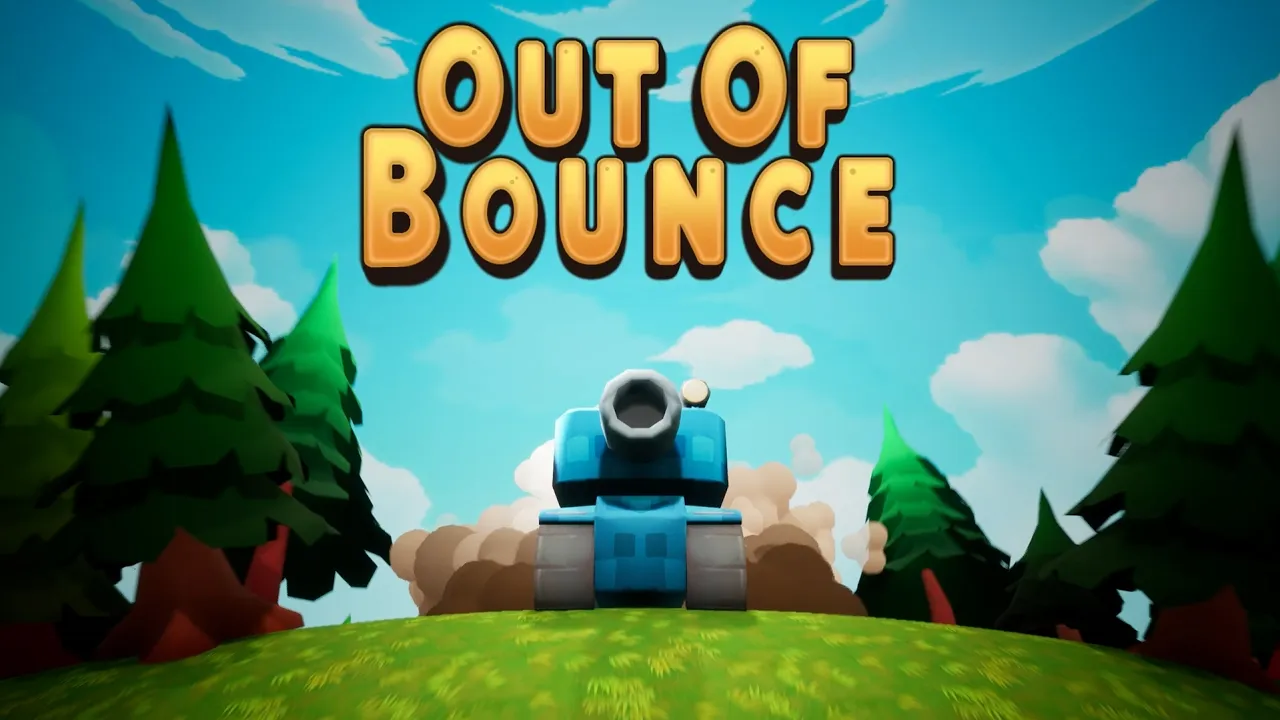
Out Of Bounce
4 Months
3 Programmers
Unreal Engine · C++
PC
Overview
A fast paced arcade game where you play a mini tank and try to destroy your opponents with diffrent turrets and power up.
Responsibilities
Lobby UI, World-Space Gameplay UI, Main Menu, Map Layouts, Tank Movement, Boss Tank AI
Main challenge
The biggest challenge was routing multiple local controllers to the correct player slots while keeping the shared four-player lobby clear and intuitive.
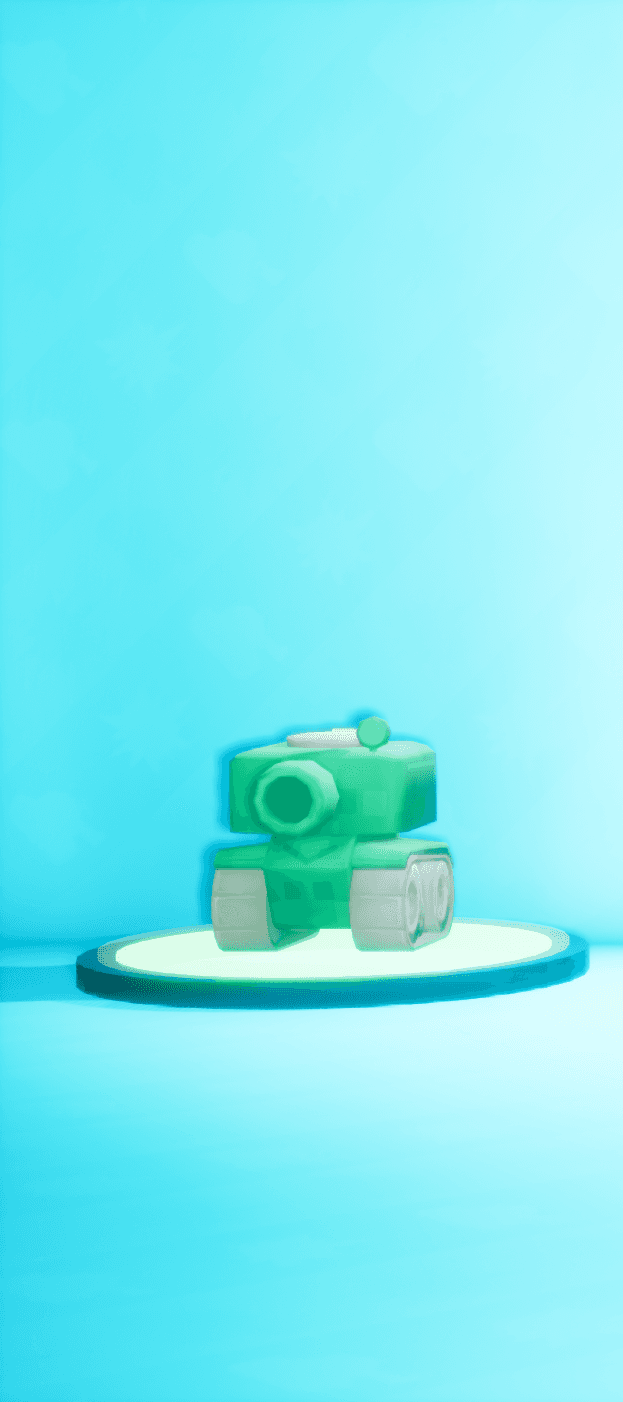
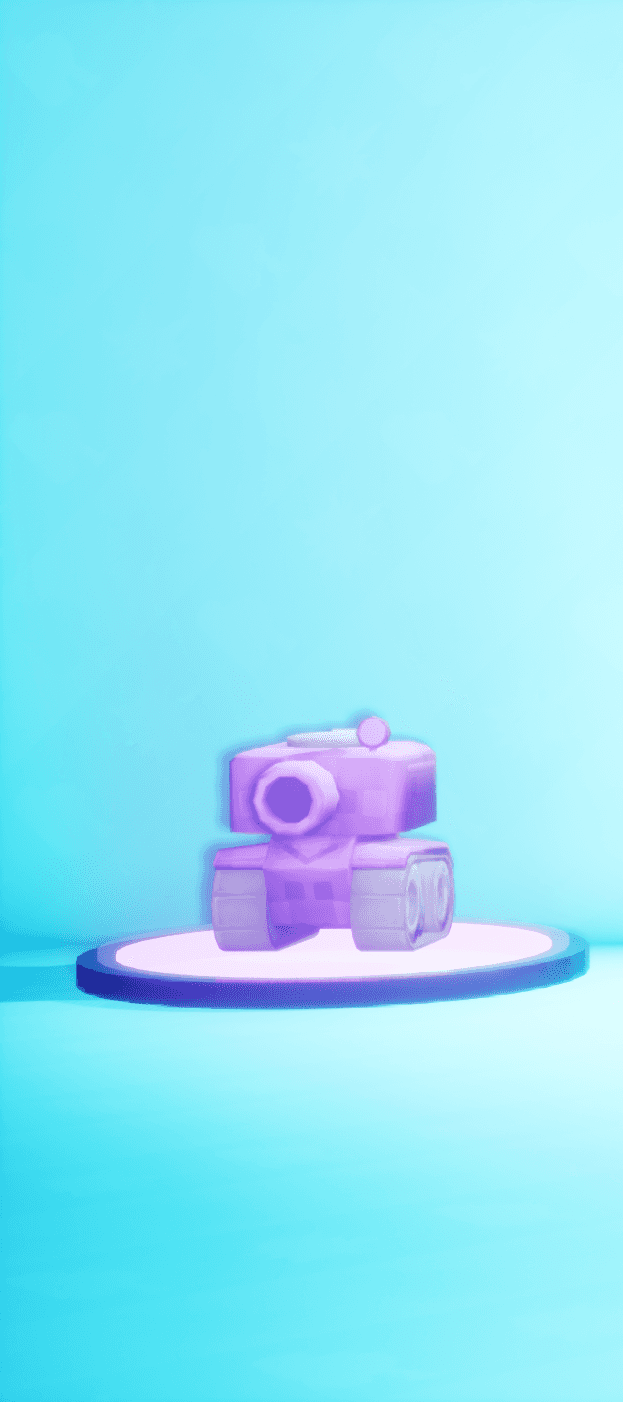
Four-Player Local Lobby
A local multiplayer lobby where up to four players can join, select their preferred tank skin and customize their controls independently on one shared screen.
Four players
Join and leave
Skin selection
Controller and keyboard
Try the lobby yourself
Use the red-highlighted buttons to cycle through skins, switch button prompts between input devices, or add and remove players.
(This web version presents a simplified selection of the original lobby’s features. Some interactions have been adapted to make the experience clearer and easier to use on the website.)
Routing Multiple Input Devices Explained
Additional Out Of Bounce Interfaces
Main Menu
HUD / Split-Screen
Trailer
What I learned
Building the lobby showed me that multiplayer UI is not simply a repeated single-player interface. Input ownership, navigation, player feedback and limited screen space need to be planned together. Although the current lobby will be replaced, the experience gave me a much better understanding of multi-device input routing and maintainable UI architecture.
Next iteration
Changes to the core gameplay also require a completely new lobby concept. Instead of navigating static player slots, players will be able to drive their tanks around while selecting their skins and adjusting their stats. Designing this system for local and online co-op as well as mobile platforms will be the next major challenge.
APPROACH
MY UI APPROACH
Clarity
Make complex systems understandable without overwhelming players. Information has a clear purpose and visual hierachy.
Responsive feedback
Make actions feel immediate and connected to input. Feedback builds confidence and enhances the flow.
Maintainability
Build systems that can be extended without rewriting everything. Clean structure and reusable components save time.
BACKGROUND & SKILLS
From IT systems to game interfaces.
My professional background began in IT systems before I moved into game development. The experience I gained in technical support, networks, databases, business software and team coordination still influences how I approach game interfaces today.
I am a Games Programming student at SAE Institute Nuremberg, currently completing the Advanced Diploma. Before beginning my studies, I trained and worked as an IT Systems Technician from 2018 to 2024.
During this time, I worked with technical support, network systems, SQL databases, online shops and ERP and inventory-management software. I also contributed to smaller development and design tasks and gained experience explaining technical topics to both customers and colleagues.
During my Games Programming studies, I discovered a particular interest in game UI and UX. I enjoy turning complex gameplay systems into interfaces that feel clear, responsive and easy to understand. My previous IT experience continues to shape how I work: I approach problems systematically, communicate clearly and build solutions with maintainability in mind.
CAREER & EDUCATION
2018–2021
COMPLETED
IT Systems Technician Apprenticeship
IT-Systemtechniker
I completed a three-year apprenticeship at an IT company, working across phone-based technical support, network technology, online shop support, ERP and inventory-management systems and SQL databases. I also contributed to smaller design and development tasks for digital systems.
2021–2024
COMPLETED
Professional IT Systems Technician
After completing my apprenticeship, I continued working at the same company and took on broader responsibility across technical support and business systems. Over the following three years, I also mentored between two and four apprentices, helped organise their tasks and supported them with technical questions and professional development.
3 semesters · 1.5 years
COMPLETED
Games Programming Diploma
I completed the Games Programming Diploma at SAE Institute Nuremberg. Through projects in Unity and Unreal Engine, I developed practical experience with C#, C++, gameplay programming and collaborative game development, while increasingly specialising in game UI and UX.
Semester 4
CURRENT
Advanced Diploma in Games Programming
I am currently completing the Advanced Diploma and continuing to develop my technical and creative game-development skills. My main focus is the design and implementation of clear, responsive and maintainable game interfaces.
Semesters 5–6 · Expected August 2027
NEXT
Bachelor of Science
After the Advanced Diploma, I will continue directly into the two-semester Bachelor of Science programme. If accepted, the mentoring programme will run alongside these final two semesters and support my continued specialisation in game UI and UX.
SKILLS & EXPERIENCE
Game UI & UX
Unity UI Toolkit
Unreal UMG
Slate
CommonUI · currently deepening
World-space UI
HUD systems
Tooltip systems
Responsive interface layouts
Multiplayer UI ownership
Contextual interfaces
Designing and implementing interfaces that communicate complex gameplay systems clearly and respond directly to player input.
Programming & Game Systems
C++
C#
Unreal Engine
Unity
Blueprints
Git
Unreal Enhanced Input
Unity Input System
Custom input preprocessors
Unreal Subsystems
Behaviour Trees
Building both the visible interface and the underlying gameplay, input and data systems it communicates with.
IT, Networks & Data
Technical support
Network technology
SQL databases
ERP systems
Inventory-management systems
Online shop support
System troubleshooting
Basic software development
Interface and system design
Several years of experience diagnosing technical problems, supporting existing systems and contributing to practical software solutions.
Collaboration & Leadership
Team collaboration
Apprentice mentoring
Task coordination
Technical communication
Customer communication
Explaining complex topics
Supporting team members
Working in small development teams
Experience working with customers, colleagues and development teams, including responsibility for mentoring two to four apprentices.
WHAT CONNECTS BOTH PATHS
My IT background taught me to analyse problems systematically, work responsibly within technical teams and create solutions that remain understandable after they are built. Game UI gives me the opportunity to apply that foundation to something more visual, interactive and directly connected to the player experience.